Process Automation in Manufacturing: A Practical Guide for 2026
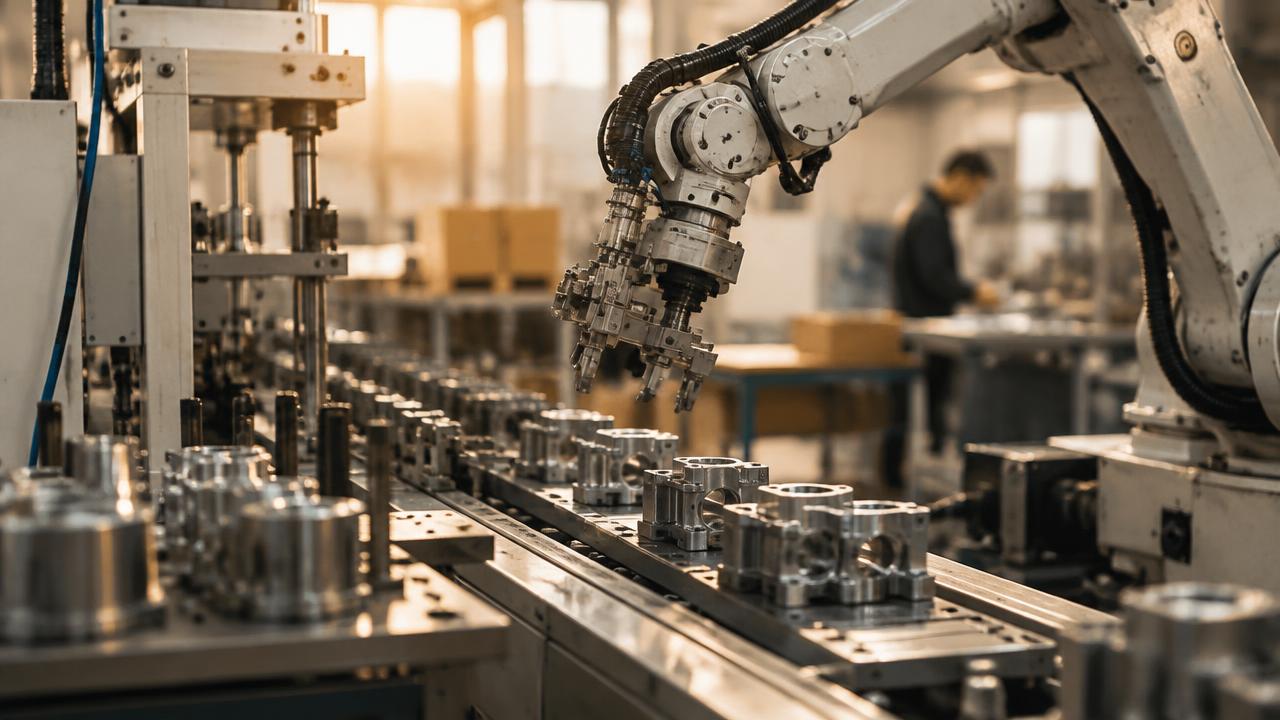
Process automation means letting software handle the repetitive steps people currently perform: copying data from one system to another, calculating quotes, updating order statuses, and preparing the Friday report. For a custom manufacturer, the biggest benefit comes not from automating an isolated task, but from connecting the entire workflow: quote request, order, production, delivery, and invoicing. The most reliable way to achieve this is with a solution built around the company's existing processes, starting with an audit and a pilot, rather than a generic tool the team has to adapt to. At Vibez, we start every project exactly this way: with a free audit and a practical example based on the company's actual processes.
At a glance
- Automation handles repetitive, rule-based steps and connects systems so data only needs to be entered once.
- For custom manufacturers, quoting and order tracking are usually the first processes worth automating.
- Automate activities that happen frequently and follow clear rules; keep human approval for high-stakes decisions.
- A solution built around existing processes outperforms standard tools when products have many variants, calculated pricing, and factory-specific steps.
- Start small: an audit, one pilot process, measured results, then modular expansion.
Contents
- What business process automation means in practice
- Where custom manufacturers lose time
- What is worth automating and what is not
- Choosing the right type of solution
- How to implement automation, step by step
- How to measure automation results
- Our perspective
- A risk-free first step
- Frequently asked questions
- Sources
What business process automation means in practice
A business process is a sequence of steps that takes a request through to an outcome: a customer asks for a price, receives a quote, places an order, the order enters production, the product is handed over to a courier, and an invoice is issued. Automation means some of these steps happen automatically, according to defined rules, while people step in only where their judgment matters.
It is worth distinguishing three concepts that are often confused:
- Digitization turns paper into a file: a scanned order or a PDF quote.
- Digitalization of internal processes moves entire workflows into a digital environment. This guide to digitalization offers a useful definition: workflows from order to invoice and payment, carried out digitally, connected, and ideally automated.
- Automation is the next step: digital systems do not just store data; they act on it. When an order is confirmed, the production sheet is generated automatically; when the product is ready, the shipping label is created automatically and the customer receives a notification.
You can have a fully digitalized company, using Excel, email, and invoicing software, that still is not automated: people copy the same data between all three every day. That is exactly where hours are lost and mistakes happen.
Where custom manufacturers lose time
In factories that manufacture to order (furniture, windows and doors, fences and gates, shading systems, modular containers), the same bottlenecks appear in almost every company.
Quoting. Every request has different dimensions, materials, and options. Prices are calculated in an Excel spreadsheet that only one person knows well, and a quote can sit waiting for days simply because that person is on leave. Meanwhile, the customer has also requested prices from two other manufacturers.
Re-entering data. The same order is entered in an email, then in Excel, then in the inventory management system, then on the production sheet, and finally in the invoicing software. Each time it is copied, a wrong digit can slip in, and an incorrect dimension reaches production as a part that has to be remade.
Order status. The customer calls to ask where their order is. The salesperson calls production, someone in production goes to check in person, and the answer comes the next day.
Reporting. The director receives figures at the end of the month, manually compiled from several sources. Decisions are made using data that is weeks old.
If at least two of these situations sound familiar, you already have a list of processes to automate. We have written in more detail about the signs your company has outgrown Excel.
What is worth automating and what is not
Not every process delivers a benefit when automated. The criteria below will help you choose the first process: the one that will make the fastest difference.
| Criterion | Worth automating | Keep human review |
|---|---|---|
| Frequency | Repeated daily or weekly | Happens a few times a year |
| Rules | Can be clearly documented (pricing formulas, thresholds, statuses) | Change from case to case |
| Data | Arrives in a consistent format (form, configurator, standard order) | Arrives in unpredictable formats |
| Impact of an error | Low or easy to correct | High: the output goes directly to a customer or an authority |
| Manufacturing examples | Quote calculations, production sheet generation, shipping labels, notifications, recurring reports | Special negotiated prices, complaints, approval of large discounts |
The basic rule: the greater the consequences of a mistake, the more human oversight you retain. This does not mean the process stays manual. The system prepares the quote or document, and a person approves it with one click before it is sent. You gain speed while keeping control.
Another useful signal: if a process depends on a single person who “knows how it is done,” it is a good candidate. Automation turns that know-how into rules documented in the system, so the company no longer depends on someone's personal notebook.
Choosing the right type of solution
You will encounter three types of approaches on the market. For a custom manufacturer, the differences matter more than they might initially seem.
Software built around the company's processes. This is the approach we recommend and use. You start with how your factory already works: the options available for each product, how prices are calculated, which documents go to production, and which software you use for invoicing, inventory management, and shipping. The solution is built around these rules and integrates with existing systems. For quoting, this usually takes the form of a CPQ configurator (CPQ stands for Configure, Price, Quote: you configure the product, and the system calculates the price and generates the quote).
Software robots (RPA). RPA, or Robotic Process Automation, refers to programs that mimic an operator's on-screen actions: opening an application, copying a field, and pasting it into another application. They are suited to high volumes of identical transactions on screens that do not change.
Standard platforms. Systems designed for an industry's “typical” process, then configured within the limits they allow.
For custom products, where each quote has its own dimensions, materials, and pricing rules, a solution built around the company's processes has a key advantage: you do not have to change the way you work to fit the software. The software adapts to the factory, not the other way around. To see what this looks like in specific industries, explore our manufacturing solutions, from custom furniture to fences and gates.

How to implement automation, step by step
1. Map your processes
Document every step from the customer's request to receiving payment: who performs it, which software they use, how long it takes, and how often it repeats. A common mistake is describing the process as it should be, rather than as it actually is. Ask the people doing the work, not just their managers.
At Vibez, this step is the free audit: we analyze the company's actual processes and show a practical example based on them, before any major contract.
2. Choose a single pilot process
Choose the process that causes the most pain and has the clearest rules. For custom manufacturers, this is often quoting. The typical mistake: a project that tries to automate everything at once, takes a year, and stalls halfway through.
3. Document the rules and clean up the data
Pricing formulas, material lists, compatibility between options, and discount thresholds. This is usually where surprises emerge: outdated prices in Excel, duplicate product codes, and exceptions known to only one person. Clean data is the foundation; automating bad data only produces mistakes faster.
4. Build the pilot
The pilot handles one process from start to finish, using real data. At Vibez, this pilot follows the audit, so you can see the results in your own workflow before expanding the project.
5. Integrate with existing systems
Isolated automation only moves the problem elsewhere. The value emerges when an accepted quote automatically becomes an order, the order automatically enters production, and delivery and invoicing are triggered without re-entering data. Through automation and integrations, we connect our solutions with the software the company already uses for invoicing, inventory management, courier services, production, and delivery.

6. Train the team and assign approval responsibilities
Everyone needs to know what the system does automatically and where they need to step in. High-stakes steps get a clearly defined human approval checkpoint.
7. Measure results and expand module by module
Once the pilot demonstrates results, add the next module: production tracking, a customer or distributor portal, or a management dashboard. Modular expansion keeps costs and risks under control at every stage.
How to measure automation results
Define your metrics before the pilot so you have a baseline for comparison. The most useful ones for a custom manufacturer are:
- Quote turnaround time: from receiving the request to sending the quote. This is the metric with the most direct impact on sales.
- Quotes per person per day: shows how much capacity you have freed up without hiring additional staff.
- Quoting and production errors: incorrect prices, incorrect dimensions, and remade parts.
- Quote conversion rate: a fast, accurate response is more likely to win the order.
- Response time to “Where is my order?”: ideally, customers can check the status themselves.
- Hours spent on manual reporting: how much time the team loses gathering figures from multiple sources.
Real-time tracking is the most visible result of a connected workflow. Major industrial companies in Romania have been following this path for a long time: a study on automated drilling at OMV Petrom shows how real-time monitoring and automated systems reduce nonproductive time, while the steelworks in Galați commissioned an integrated manufacturing execution system (MES, software that plans and tracks production) as early as 2011 to monitor the entire plant in real time.
The same principle works in a factory with 20 or 80 employees, just on a different scale. A dashboard with real-time reports shows open quotes, orders by stage, delays, and payments received every morning, without anyone having to compile the figures manually.
A sample calculation
Suppose a shading systems manufacturer sends 15 quotes a day, each taking 40 minutes to calculate and prepare. That adds up to 10 hours of work a day just on quotes. If a configurator reduces the time to 10 minutes per quote, that drops to 2.5 hours, freeing up 7.5 hours a day for the team to focus on selling. Your numbers will differ, but the calculation is the same: volume × time per unit, before and after the pilot.
Our perspective
For custom manufacturers, a lack of control and delays rarely stem from a lack of software. They stem from outdated systems that do not communicate with each other. Quotes live in Excel, orders in email, production on paper, and the director has to make a phone call to find out an order's status.
That is why we do not start with a standard solution and try to fit it around the factory. We start with a free audit and a practical example based on the customer's actual processes. Only then do we build a pilot, usually focused on quoting, and expand module by module: ERP, CRM, invoicing and courier integrations, customer and distributor portals, and real-time reports.
Our team covers both the technical and commercial sides. This matters because a good quoting configurator is more than correctly written code: it needs to support sales, be easy for sales representatives to use, and produce quotes customers can understand. The software must fit the way your factory already works, not impose a model from another industry.
Antonio
A risk-free first step
If quotes take too long or you cannot tell where an order stands at any given moment, the first step is a free audit. We analyze your actual processes and show you a practical example based on them, before any contract.

From there, the project grows at your pace: a pilot focused on the most painful process, followed by new modules. See what we can build through automation and integrations or custom ERP and process solutions, and for budget estimates, read our guide to the cost of custom software.
Frequently asked questions
Can I automate quoting without implementing an ERP?
Yes. Quoting can be automated separately, with a configurator connected to the Excel spreadsheet or invoicing software you already use. We explain how in our article on quoting automation without an ERP. The ERP can come later as a new module.
Which process should I automate first?
The process that happens most often, has clear rules, and holds up sales. For custom manufacturers, this is usually quoting, followed by sending orders to production. The initial audit confirms the choice using your company's data.
Does automation replace people in the company?
Automation replaces data re-entry and calculation steps, not people. The sales team sends more quotes, production receives accurate data, and management sees the figures without having to compile them. High-stakes decisions stay with people, with clear approval steps in the system.
How long does implementation take?
It depends on the process and how clean the data is. A pilot focused on a single process is much faster than a project that tries to change everything at once, which is why we work in stages: audit, pilot, modular expansion. The audit provides an estimated timeline for your company.
Sources
- Digitalization: Complete 2026 Guide, Steps, Benefits, and Funding
- Drilling optimization and automatic rig in OMV Petrom
- AIST: Integrated MES for ArcelorMittal Galați
Recommended reading
- Manufacturing Software | CPQ, ERP, and Automation
- Business Process Automation and Systems Integration
- Custom ERP and CRM for Manufacturing
- Quoting Automation Without an ERP
Made with BabyLoveGrowth to improve Google and AI visibility