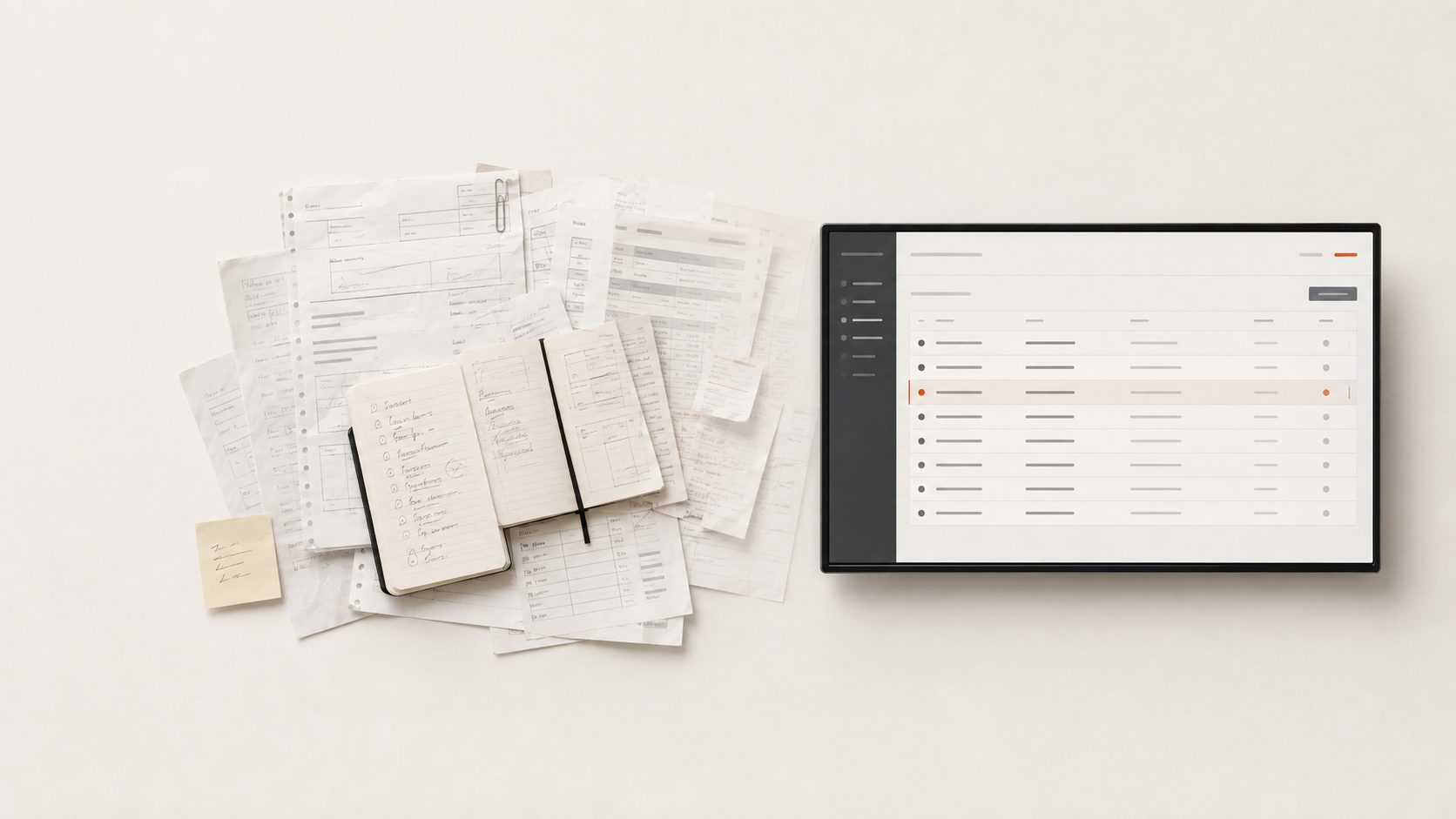
Business Process Automation and System Integration
Business process automation means the repetitive steps in a workflow — confirmations, approvals, tasks, documents, notifications — run on clear rules instead of somebody's memory.
Half the problem is usually that the applications you already own don't talk to each other, and the link between them is a colleague retyping the same data from one system into another. That's why automation and system integration belong together.
We don't start from a list of technologies. We start from the process that stalls most often: the order waiting for an approval, the quote that never reaches production, the data typed a second time into stock.
What we usually automate and connect
- Approvals asked for by phone or chat, leaving no trace.
- Tasks created manually, every time, for the same type of order.
- Documents filled in from scratch, even though the information already exists.
- The same data entered into several applications: into the quote, into stock, and again into reporting.
- Orders arriving by email or messaging app and entered manually into stock.
- Shipping labels filled in by hand, even though the address is already on the order.
- Handoffs between sales, production and installation done through separate messages.
- Notifications that are missing when a deadline has passed.
How we build the automations and integrations
We describe the process as it works today
We follow one real order from the first message to the final invoice: who does what, in what order, with what information, and where the same data is entered again.
We define the rules
What triggers the next step, who approves, what happens when nobody responds, and what stays — deliberately — a human decision.
We automate the repetitive steps
Tasks created automatically, documents generated from existing data, statuses updated as the process moves forward.
We connect the applications you already run
Quoting, ERP, CRM, stock, invoicing, couriers, the online shop or the forms on your site. We only integrate the applications information actually has to travel between.
We sync data between systems
A confirmed order can land in stock on its own. An address entered once can produce the shipping label. A stock change can be pushed to the applications that need it.
We monitor execution
You can see what ran, when, which data was synced and where an error appeared. An automation you can't check is an automation you won't trust.
We use AI where it removes manual work
AI enters the process only where it replaces repetitive reading and re-typing: extracting data from incoming enquiries, emails or documents, drafting a reply a person then checks, classifying and routing requests to the right colleague. Pricing rules, approvals and commercial decisions stay with people.
Which systems we can connect
ERP and CRM
Orders, customers, opportunities and stages can travel between commercial and operational systems.
Invoicing and stock
Customer, product, order and document data can be transferred without manual re-entry.
E-commerce and forms
Enquiries and orders can enter the internal workflow directly.
Couriers and logistics
Shipping labels and delivery details can be generated from data that already exists.
Custom applications
We also connect applications built specifically for your company's processes.
Integrations can use the APIs and connection mechanisms each application makes available.
API integration, where the systems allow it
When applications expose APIs or other integration mechanisms, we use them so information moves automatically and in a controlled way between systems.
The goal isn't to add one more system, but to make the existing applications work together.
Before and after
Before
After
Before
Approval is requested by phone and nobody knows who decided what.
After
Approval is its own step, with an owner and a trace in the system.
Before
Tasks are created manually for every new order.
After
Tasks appear automatically, based on the type of order.
Before
An order arrives by email and is entered manually into stock.
After
The order is entered once and appears in stock automatically, with the same data.
Before
The address is typed again by hand, with the risk of an error.
After
The shipping label is generated from the data already on the order.
Before
Handoffs between departments happen through separate messages.
After
The handoff is a step in the process, with the information attached.
Before
Missed deadlines are discovered late.
After
Missed deadlines trigger an alert to the person responsible.
What happens in the background
The steps below illustrate how data travels inside a system built around your processes.
- form submitted → record created in the system
- document generated → sent to the client
- status changed → owner notified
- deadline missed → alert to the owner
- order data → synced between systems
- activity → visible on the dashboard
How it connects to the rest of the systems
Automation rarely stands alone. It usually pairs with one of the areas below.
Custom ERP
When the process needs a system of its own for orders, production and operations.
Configurator and quoting
If quoting takes the most time, automation starts with how the quote is built.
Custom software
When the flow needs an application of its own, with roles, screens and reports built around your process.
Which process costs you the most time?
We follow one real flow inside your company and show you which steps can be automated, which systems are worth connecting, and where it makes sense to start.
Request the free audit